

If you’ve been searching for smarter ways to save money online, you’ve probably seen the phrase “get honey ai” pop up more than once. And yeah, it sounds like another AI tool—but it’s actually something much more practical.
Online shopping today is fast, noisy, and honestly a bit overwhelming. Prices change quickly, coupon codes fail half the time, and comparing deals manually just isn’t realistic anymore. That’s where Honey steps in. It automates the boring parts, so you don’t have to think about it every time you check out.
In simple terms, Honey is not magic—but it does remove friction. And that’s why people are using it more in 2026.
TL;DR (Quick Takeaways)
- Honey is a browser extension that automatically finds and applies coupons
- It’s owned by PayPal (acquired in 2019 for around $4 billion)
- Uses data and machine learning—not chatbot AI
- Works best as a passive savings tool
- Savings are not guaranteed, but effort is reduced a lot
What Is Honey AI?
When people say “get honey ai”, they are usually referring to the smart shopping tool developed by PayPal Honey.
Honey started as a simple extension that applied coupon codes automatically. Over time, it evolved into a more intelligent system that uses:
- Pattern recognition
- Historical pricing data
- User behavior signals
This allows it to improve how it finds deals and recommends savings. It’s not a chatbot like ChatGPT, instead it works quietly in the background.
You can explore the official tool here: https://www.joinhoney.com/
How Honey AI Works
The idea is simple. Install it once, and it runs automatically when you shop.
Automatic Coupon Application
At checkout, Honey:
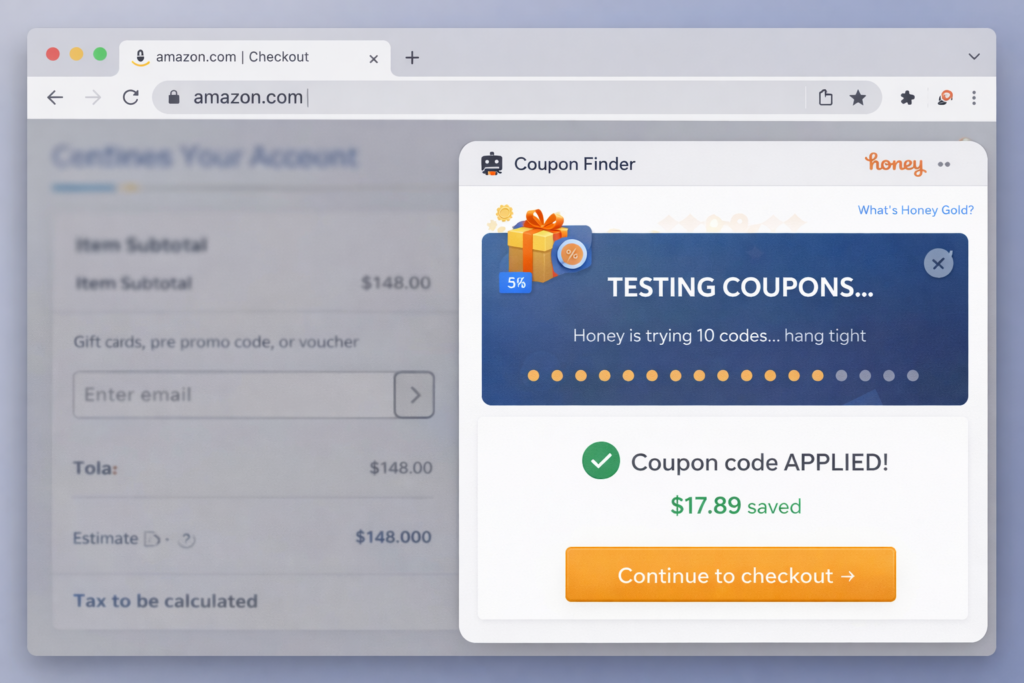
- Scans a large database of coupon codes
- Tests them in seconds
- Applies the best one
No manual searching, no guesswork.
AI-Based Deal Suggestions
Honey looks at:
- What users are buying
- Which coupons actually work
- Your browsing patterns
Then it suggests deals that are more relevant. It’s not always perfect, but it improves over time.
Price Tracking
You can track items and get alerts when:
- Prices drop
- Better deals appear
This is especially useful for electronics or seasonal products.
Rewards System
Honey also offers “Honey Gold,” a rewards system that lets users earn points and redeem them for gift cards.
Real Data & Authority Signals
To understand its scale, Honey has reportedly reached 17+ million active users globally, according to company disclosures and fintech coverage.
Consumer behavior data from Statista shows that automated shopping tools are becoming more common, with a growing percentage of users preferring extensions over manual coupon searches.
That shift explains why search queries like:
- “get honey ai extension”
- “automatic coupon finder AI”
- “best AI shopping assistant”
are increasing.
How to Get Honey AI (Step-by-Step)
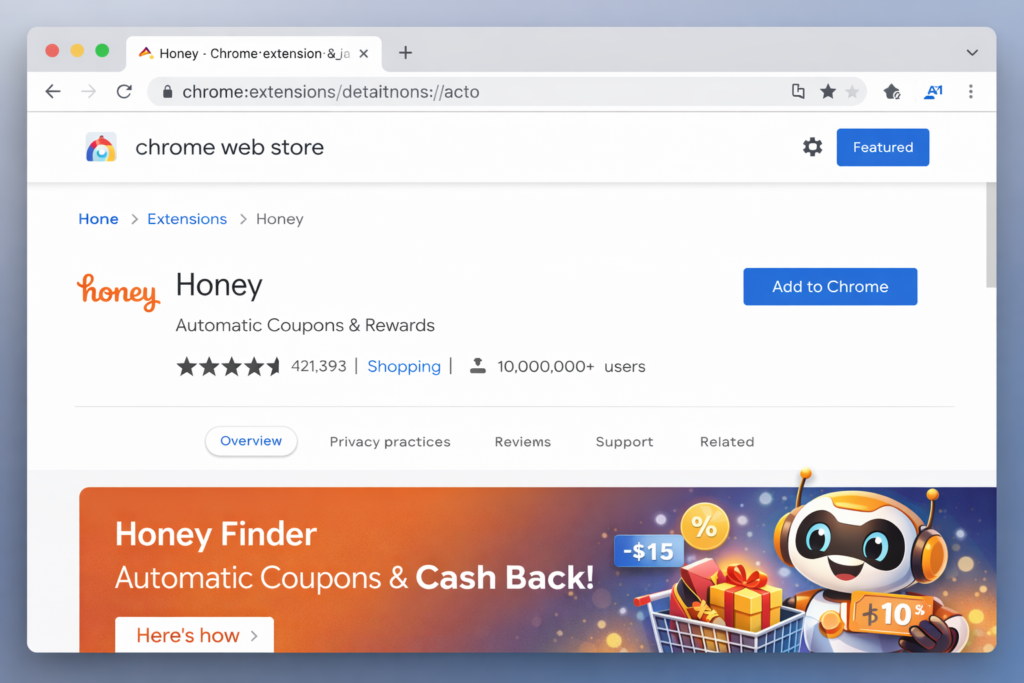
Step 1: Install the Extension
Go to the official Honey website and add it to your browser.
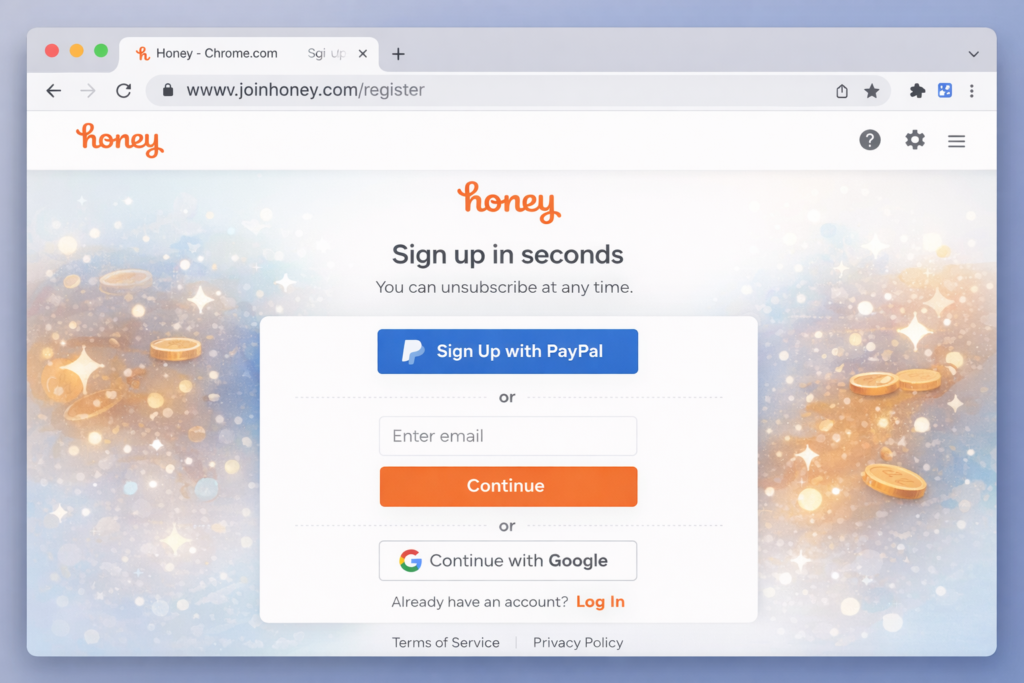
Step 2: Create an Account
Sign up using email or PayPal to sync rewards and preferences.
Step 3: Shop Normally
Once installed, Honey activates automatically at checkout.
Pros and Cons (Quick Comparison Table)
| Pros | Cons |
|---|---|
| Saves time automatically | Doesn’t work on every store |
| Free to use | Some coupons fail |
| Easy setup | Savings not guaranteed |
| Works in background | Limited control over codes |
| Offers rewards system | Recommendations can feel generic |
Is Honey AI Actually AI?
This is one of the biggest misconceptions.
Honey is not a conversational AI. It doesn’t “talk” or generate responses. Instead, it uses:
- Machine learning models
- Data analysis
- Pattern recognition
So yes, it’s powered by AI concepts—but in a backend, functional way. It’s more like a smart automation engine than an AI assistant you interact with.
Honey AI vs Manual Coupon Sites
Manual coupon websites:
- Require time
- Often outdated
- Need trial and error
Honey:
- Works automatically
- Tests codes instantly
- Reduces effort
That’s the real advantage. Not necessarily better discounts every time, but less work overall.
Real User Experience
Most users don’t actively “use” Honey.
It runs in the background and occasionally:
- Applies a working coupon
- Saves a few dollars
- Or sometimes does nothing
And that’s fine.
The value is in automation, not perfection.
Tips to Get the Most Out of Honey AI
If you want better results, try this:
- Use price tracking for expensive items
- Combine Honey with manual searches for big purchases
- Enable notifications for deal alerts
- Compare prices across platforms before buying
Small habits, but they make a difference.
Is Honey AI Safe?
Generally, yes.
Since it’s backed by PayPal, it follows standard security practices.
However:
- It tracks shopping behavior to function
- You should review permissions before installing
Transparency is decent, but always good to stay aware.
FAQs
What does “get honey ai” mean?
It refers to installing and using the Honey browser extension for automated coupons and deal tracking.
Is Honey AI free?
Yes, completely free to use.
Does Honey work everywhere?
No, only on supported websites.
Can Honey guarantee savings?
No, but it increases your chances without effort.
Is Honey better than coupon sites?
For convenience, yes. For maximum savings, sometimes manual methods still win.
Final Thoughts
If you shop online even occasionally, trying Honey makes sense.
It’s not revolutionary, and it won’t save money every single time. But it removes small annoyances from the shopping process—and that adds up.
The real value of “get honey ai” isn’t just discounts. It’s automation. It lets you shop normally while something else quietly checks if you can save money.
So the best approach is simple. Install it, forget about it, and let it do its job. Sometimes it won’t find anything, but when it does, it feels like a bonus you didn’t have to work for.
Visit: Aimaghub